A year ago, “vibe coding” was a niche term most developers hadn’t heard of. Now it’s the default way a lot of founders build their first product. Vibe designing is the same idea applied to design, and it’s moving fast.
If you’re a founder or product lead trying to understand what your design team means when they talk about it, or trying to figure out whether it changes how you should be working, this post covers what it actually is, how the workflow plays out, and where it genuinely helps versus where it still falls short.
Where the term comes from
Vibe coding was coined by Andrej Karpathy, co-founder of OpenAI, in February 2025. The idea was simple: instead of writing code manually, you describe what you want to an AI, review what it gives you, give feedback, and keep iterating. You focus on the intent and the outcome, not the implementation details.
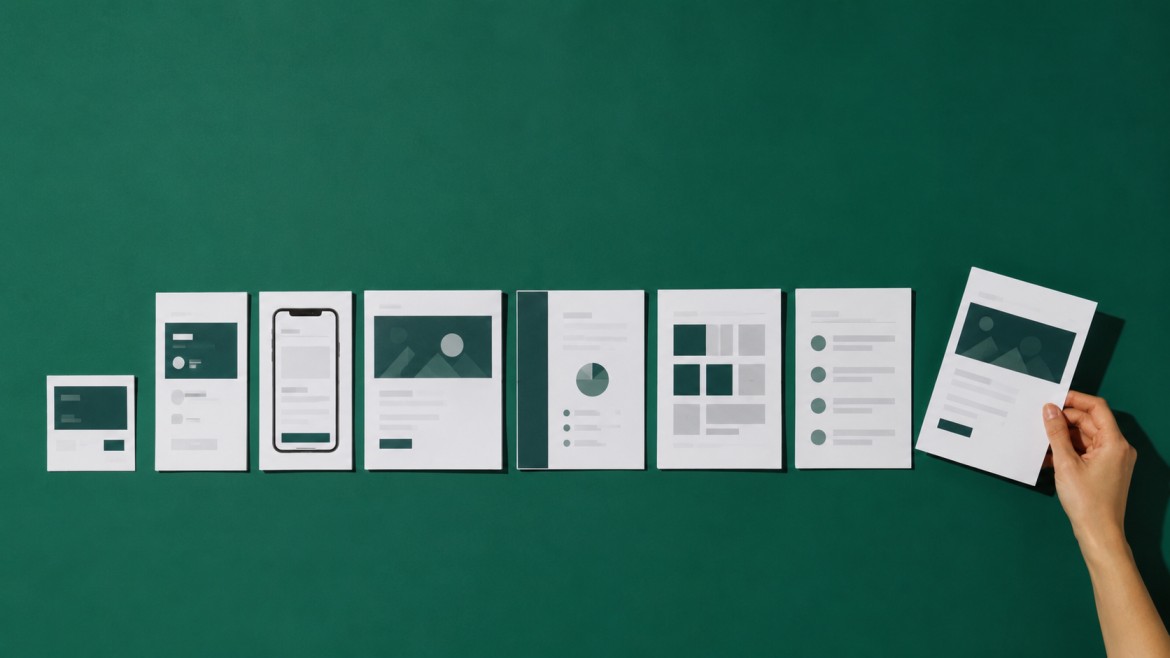
Vibe designing borrows that same logic for design work. Instead of manually placing components in Figma or building layouts frame by frame, you describe your intent in natural language, an AI generates a version, and you iterate until the output matches what you had in mind.
Think of it as moving from being the person who builds everything by hand to being the creative director who shapes the direction and makes the critical calls. The mechanical execution speeds up dramatically. The important decisions still belong to you.
What vibe designing actually looks like
Here’s a practical example. Say you’re building a new landing page for a SaaS product. Six months ago, the workflow looked like this: write a brief, send it to your designer, wait a few days for a first draft, give feedback, wait for revisions, repeat.
With vibe designing, you open a tool, describe what you want. “A landing page for a B2B project management tool, clean and minimal, targeting small engineering teams, hero with a headline about saving two hours a day, CTA to start a free trial.” The AI generates a version in seconds. You review it, note what’s off, describe the changes. It iterates. You’re not waiting days. You’re cycling through versions in minutes.
What changes isn’t the final quality bar. A well-designed, high-converting landing page still needs strategic thinking, brand consistency, real user research, and professional execution. What changes is the speed of getting to something worth reacting to.
The tools driving it in 2026
Figma’s AI agent (launched in beta May 20, 2026) is now the native vibe designing tool for product teams already in Figma. You describe a change or a new component in natural language directly on the canvas, and it executes. Rolling out to Professional, Organization, and Enterprise users ahead of Config 2026. We covered what this means for founders in our breakdown of Figma’s AI agents and startup design.
Vercel v0 is built specifically for UI-first prototyping. You describe what you want, it generates responsive React components. Strong for front-facing pages and component libraries.
Lovable and Bolt.new are closer to full-stack vibe coding tools. Useful for non-technical founders who want to go from idea to something that actually runs, not just a mockup.
Cursoris the AI-native code editor for developers who want fine-grained control. Useful when you’re close to production-ready code, not exploratory design.
The tool you use depends on where in your workflow you’re applying it. For early UI exploration, Figma’s agent and v0 are the current standards. For going from idea to working prototype quickly, Lovable or Bolt.new.
What it’s actually good for
Vibe designing genuinely accelerates a specific set of tasks:
- Landing pages and marketing pages where you need a fast visual to react to
- Exploring layout variations when the brand is established but you want to try different structures
- Internal tools, dashboards, and admin screens where function matters more than nuance
- Rough wireframes quickly to anchor a team conversation
- Teams iterating on something with an existing design system
Where it still falls short
This is the part that doesn’t get said enough.
Vibe designing doesn’t know your users. It doesn’t know that your SaaS has a 68% drop-off at step two of onboarding, or that your pricing page caused three demo calls to stall last month. It produces output that is visually plausible but strategically generic.
It also doesn’t know your brand beyond what you explicitly describe. And describing brand accurately in a prompt is genuinely hard.
Quality control is real work. Fast iteration produces a lot of output. Someone with design experience still needs to review it, catch what’s wrong, and make the calls on what actually ships. If you let AI output go straight to production without that oversight, the results show.
Why you still need a designer
Vibe designing makes certain parts of a designer’s job faster. It does not make the judgment, strategic direction, or conversion thinking obsolete.
The designers who are struggling with these tools are the ones treating them as an autonomous creative. The ones getting real value are using them as a fast execution layer while they focus on the direction.
A designer who can describe intent clearly, review AI output critically, and iterate with precision is doing more in the same time. That’s a better designer, not a replaced one.
How senior design teams are using it
At DesignShare, we’ve been building these workflows into how we work for over a year. It’s one of the reasons most requests come back in around 48 hours.
The pattern that works: the senior designer sets the strategic direction, establishes the structure, and defines what the output needs to achieve. AI tools handle the fast execution layer, the bulk iterations, the component variations, the first visual passes. The senior designer reviews everything and makes the calls on what actually moves forward.
Without that oversight layer, you get speed without quality. With it, you get both.